
Adding Ringy- Live Leads and Aged Leads
*** Note If you are using Google Chrome please use the new Lead Arena Extension-Ringy to connect your Ringy account.***
- If your RingyCRM email is the SAME as the email you use to log into your marketplace, then skip to step 5, if YOU ARE USING DIFFERENT EMAILS WITH RINGYCRM then continue to the next step.
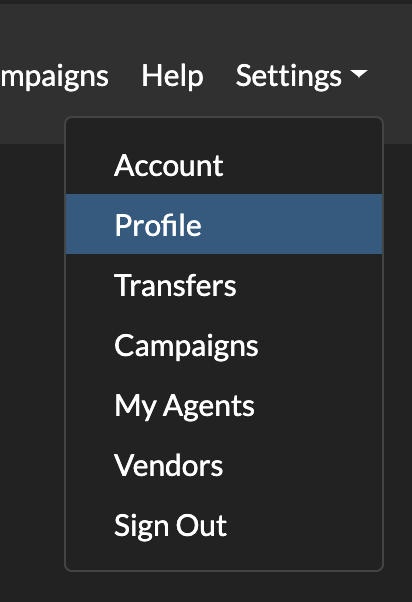
- Navigate to Settings -> Profile
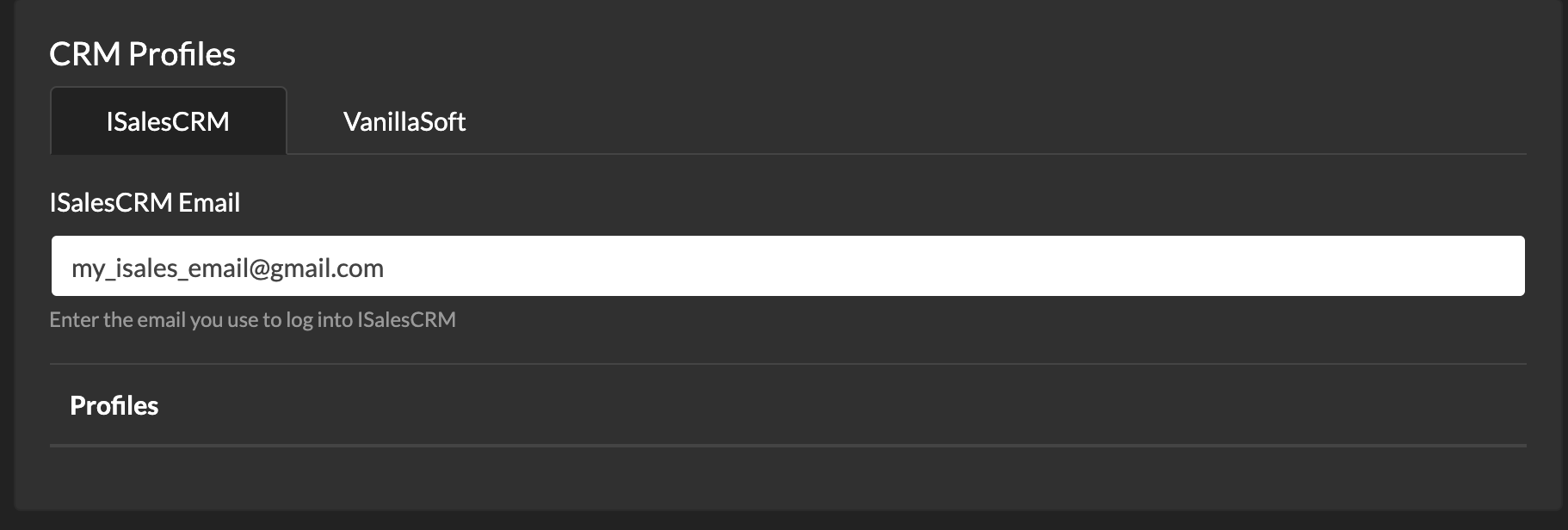
- In your profile select the RingyCRM tab and enter the email you use to login into your RingyCRM
- Click Save Profile
- Open your RingyCRM account. On the left-hand menu pane select Lead Vendors.
 Select Add Lead Vendor

- Where is says 'Setup Code' fill in the space with:
Marketplace: ushamarket
Aged: marketaged
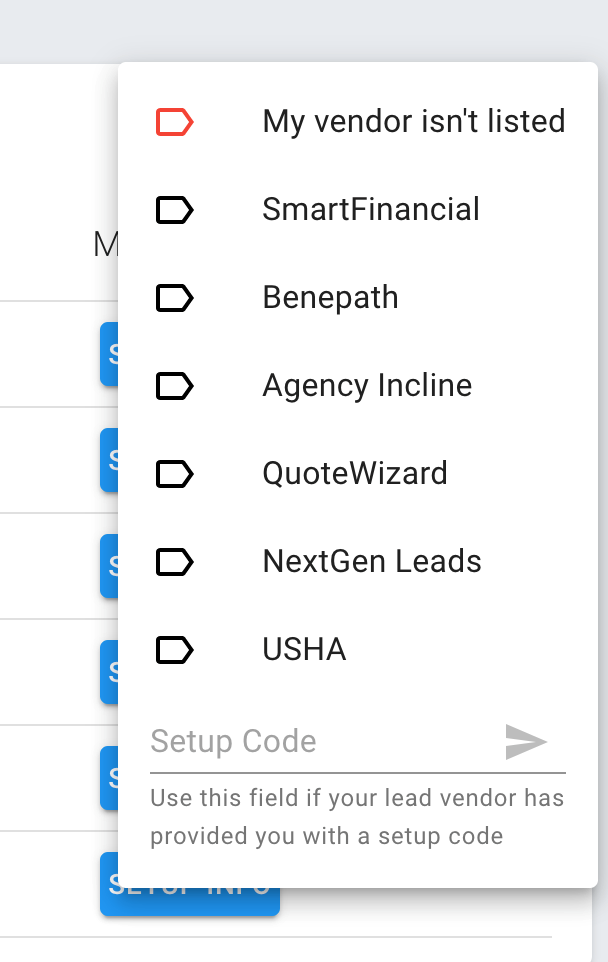
- Click the arrow to send the integration for processing. This will create the API that will be emailed to support@ushamarketplace.com. Please note: Your Ringy will flip to verified once your initial lead is received through your account.
